How can we help?
Report a problem, suggest something we should build, or get help with billing. Or have our team set Engine117 up for you.
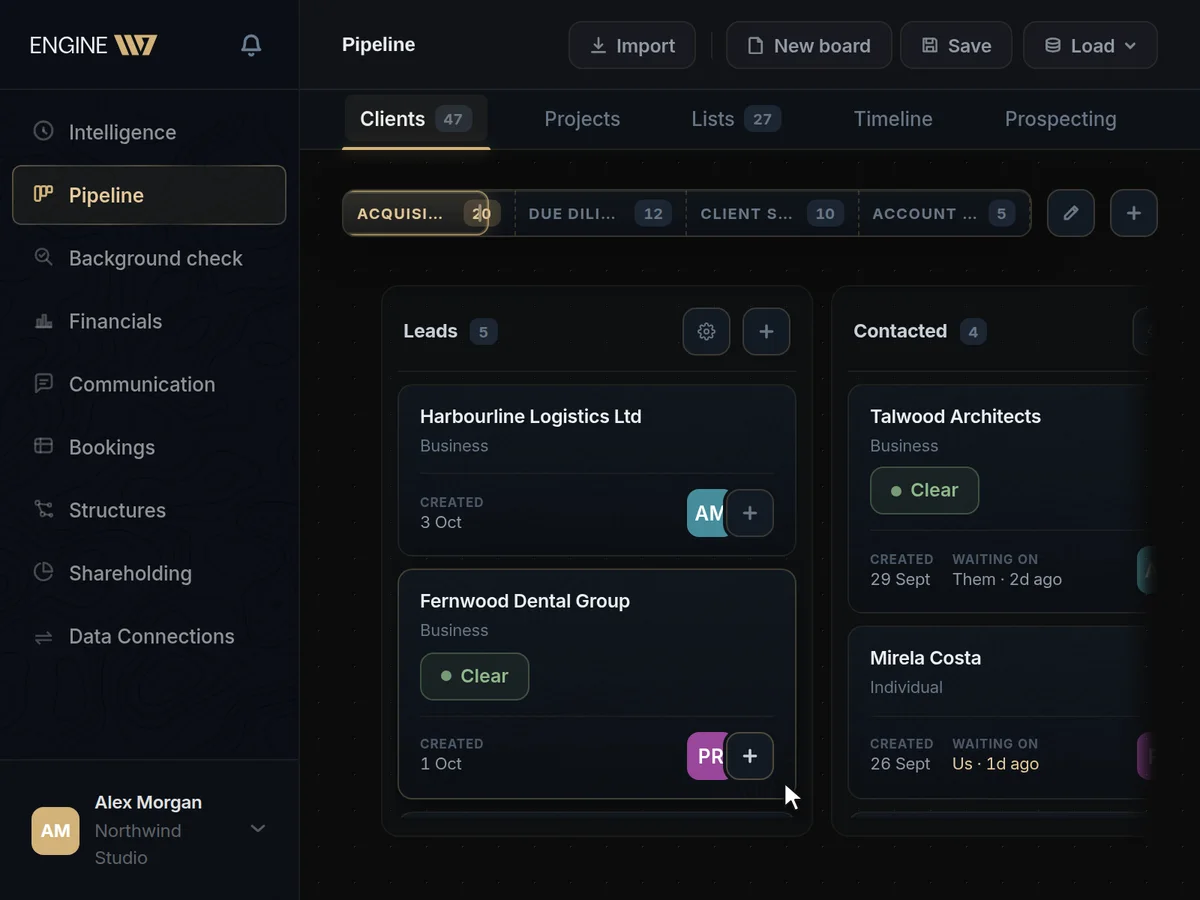
Let our team set Engine117 up for you.
When your data lives across machines, software and spreadsheets that were never built to work together, getting it into one place is a project of its own.
A developer and systems analyst from our team connects your existing systems to Engine117 (APIs, scrapers, database queries and MCP connections) and shapes it around the way you work. Most of it happens remotely over video calls; projects take from a few days to a couple of months, and the scope and price are agreed before any work starts.
Tell us about your operations.
Describe how your business runs today: the tools, machines and software you use, and what you want to see in one place. We’ll come back with a scope and a price.
Guides
Step-by-step guides to logging in, inviting your team, connecting your tools and billing, and an assistant that answers your questions from them.
Support, answered
How do I report a bug?
Use “Report a bug” at the top of this page. Log in, then tell us where it happened and what went wrong.
The browser and device you were using are filled in for you, which helps us find it faster. The report goes straight to the team that builds Engine117, you get a copy by email, and we write to you if we need more detail.
How do I reset my password?
Click “Forgot password?” on the login page, enter your email address and follow the link we send you.
The link lets you set a new password. If you signed up with Google or Microsoft there is no Engine117 password to reset: log in with the same button you signed up with.
How do I invite someone to my workspace?
Owners and admins send invitations from the Team page. The person gets an email with a link to join.
On the free seat a workspace is a team of one, so add a seat under Team → Plan & credits first. Invitations expire, and can be withdrawn before they are accepted.
Who can change the plan or see invoices?
The workspace owner and admins.
They change seats and buy extra credits under Team → Plan & credits, and open Manage billing for invoices, card details and cancellation.
Why did the AI stop answering?
Most likely the workspace has used this month’s AI credits. Everything else in Engine117 keeps working.
Owners and admins can see what is left under Team → Plan & credits, and can add seats or buy extra credits. The monthly credits refresh at the start of the next billing month.
How do I cancel?
From Manage billing. The plan runs to the end of the month you paid for, and the workspace then returns to the free seat.
Your data stays where it is. Payments are made in advance and are not refunded for a partly used month, as the Terms of Service set out.
Is my data safe?
Each workspace’s data is kept apart, access is set member by member, and the AI reads connected sources through read-only tools.
A workspace can require two-step login for everyone, and the activity log records logins and access changes. The Privacy Policy and the Data Processing Addendum set out the details.
Can you connect our systems for us?
Yes. Our integration service connects your existing tools, machines and software to Engine117 for you, mostly remotely. What it costs is in the next answer.
A developer and systems analyst from our team builds the connections your systems need (APIs, scrapers, database queries and MCP connections) and can set up custom configurations and views around your processes. Projects take from a few days to a couple of months; the scope and price are agreed before work starts, and travel, if it is needed, is quoted separately.
What does the integration service cost?
Two weeks of work is €3,000 plus VAT, paid up front. Projects take from a few days to a couple of months.
The scope and price are agreed before any work starts, and longer projects are quoted to match the work. Most of it is done remotely over video calls; when travel is needed, it is quoted separately. For a quote, use “Tell us about your operations” on this page.