Every part of the business, in one workspace.
Clients, conversations, bookings, money and ownership, each with tools of its own, and one AI assistant that works across them.
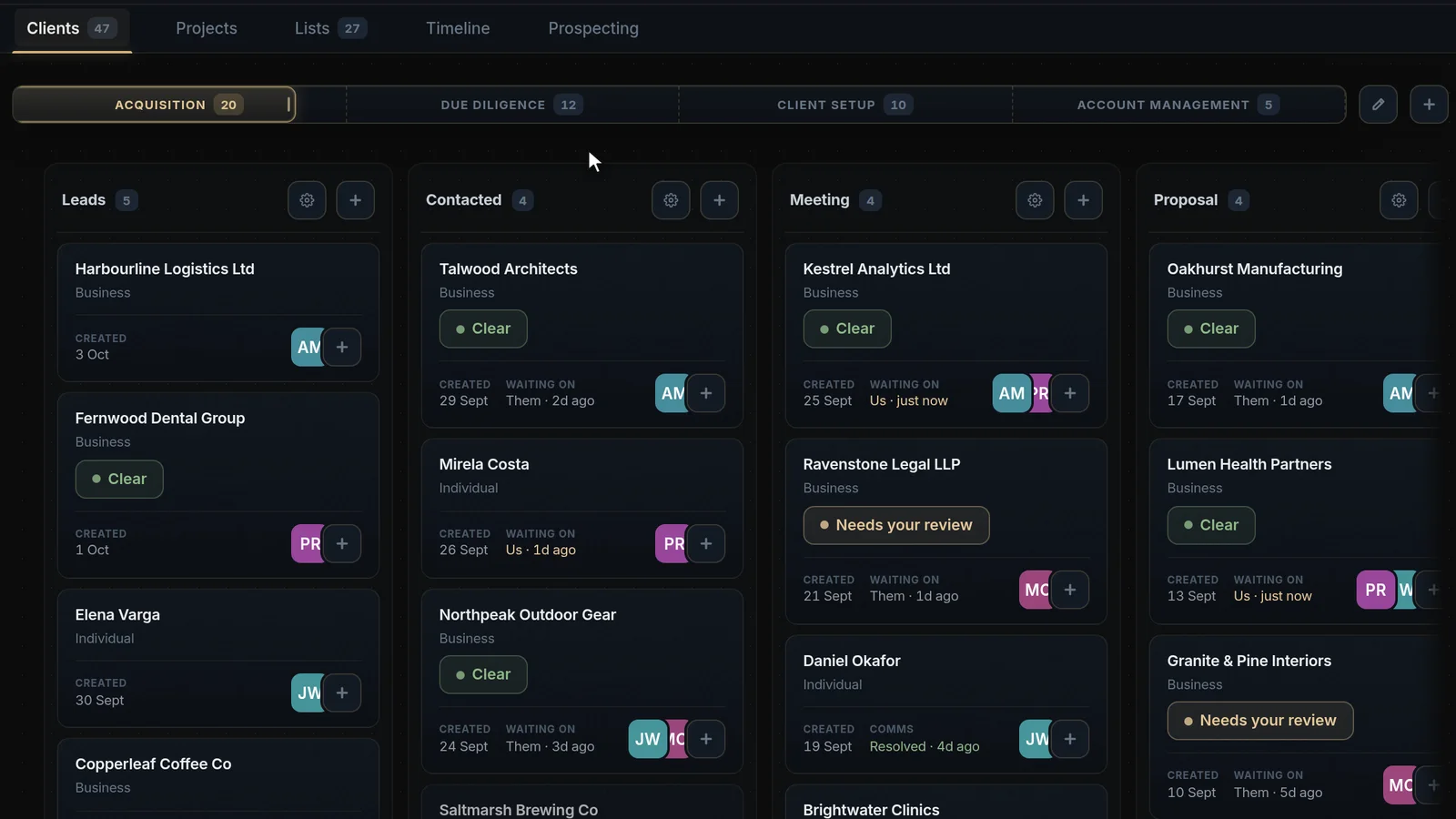
Client pipeline
Find new clients, check their background, and run their projects and costs on one board, from first contact to delivery.
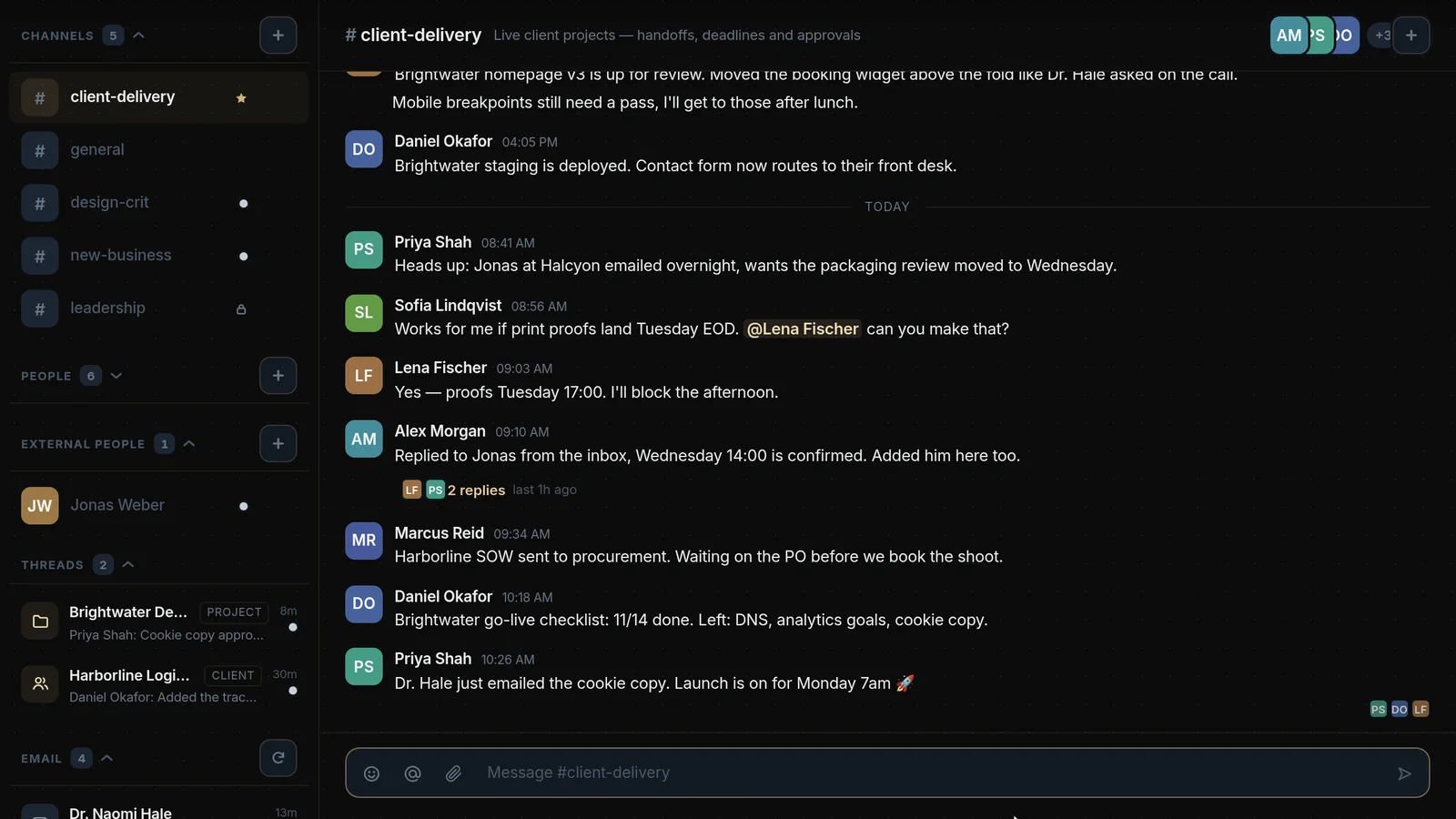
Communication
Team channels for your own people and outside partners, with client email and chat pulled into one flow.
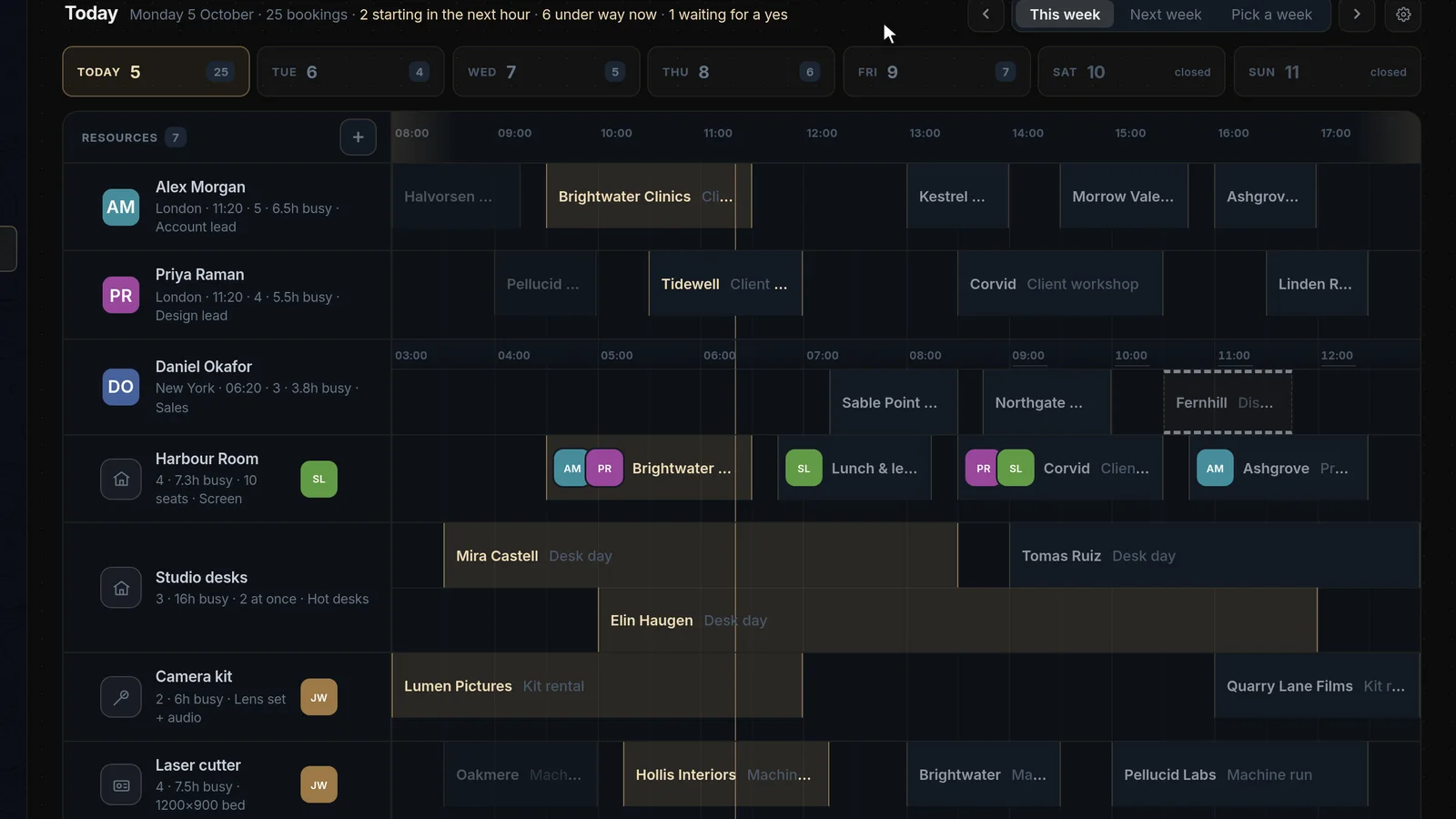
Bookings
Meetings, working areas, appointments, tool rentals and machine time, booked across time zones.
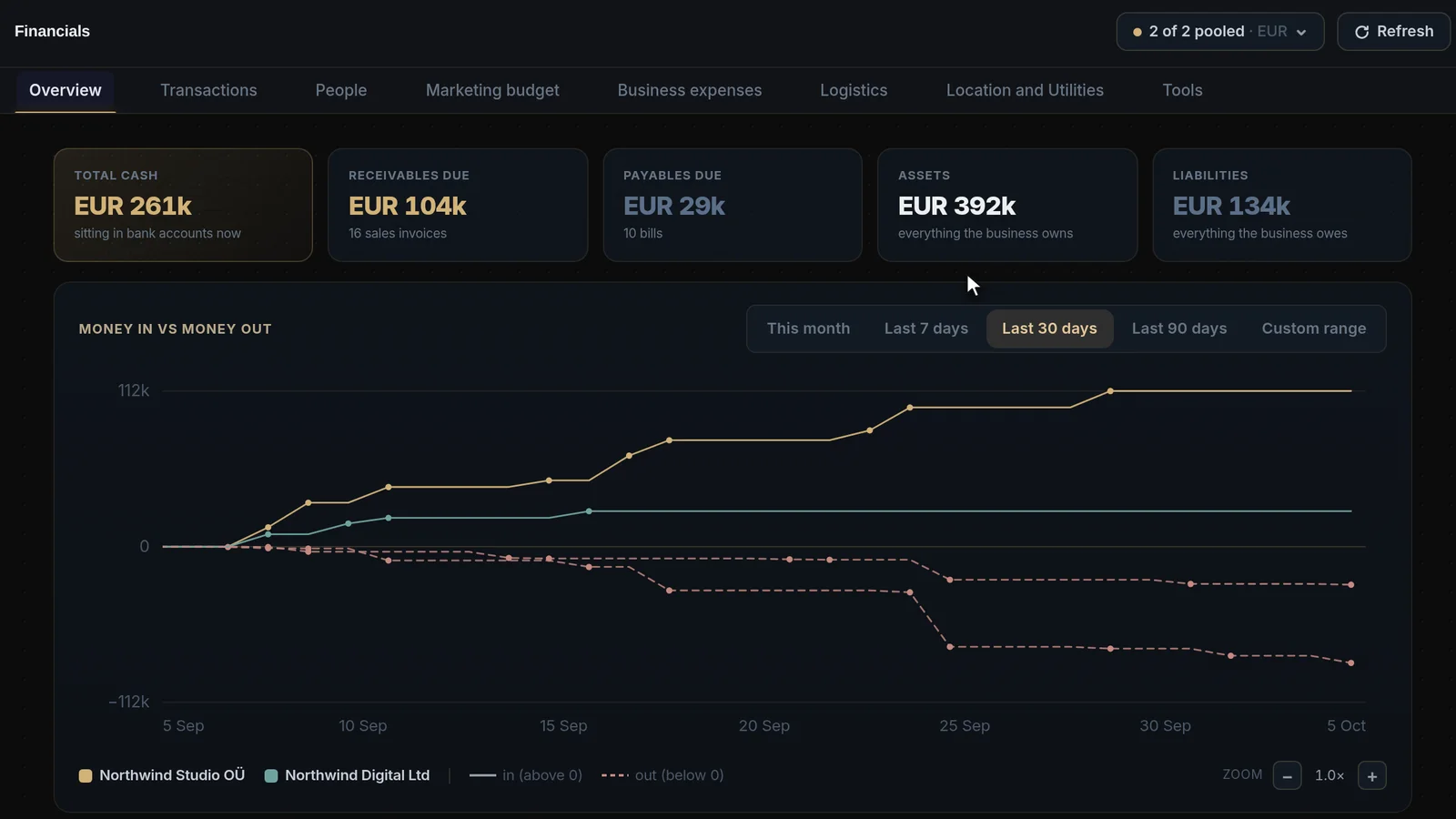
Financials
Your accounting connected to your projects and clients, and analysed for anything out of the ordinary.
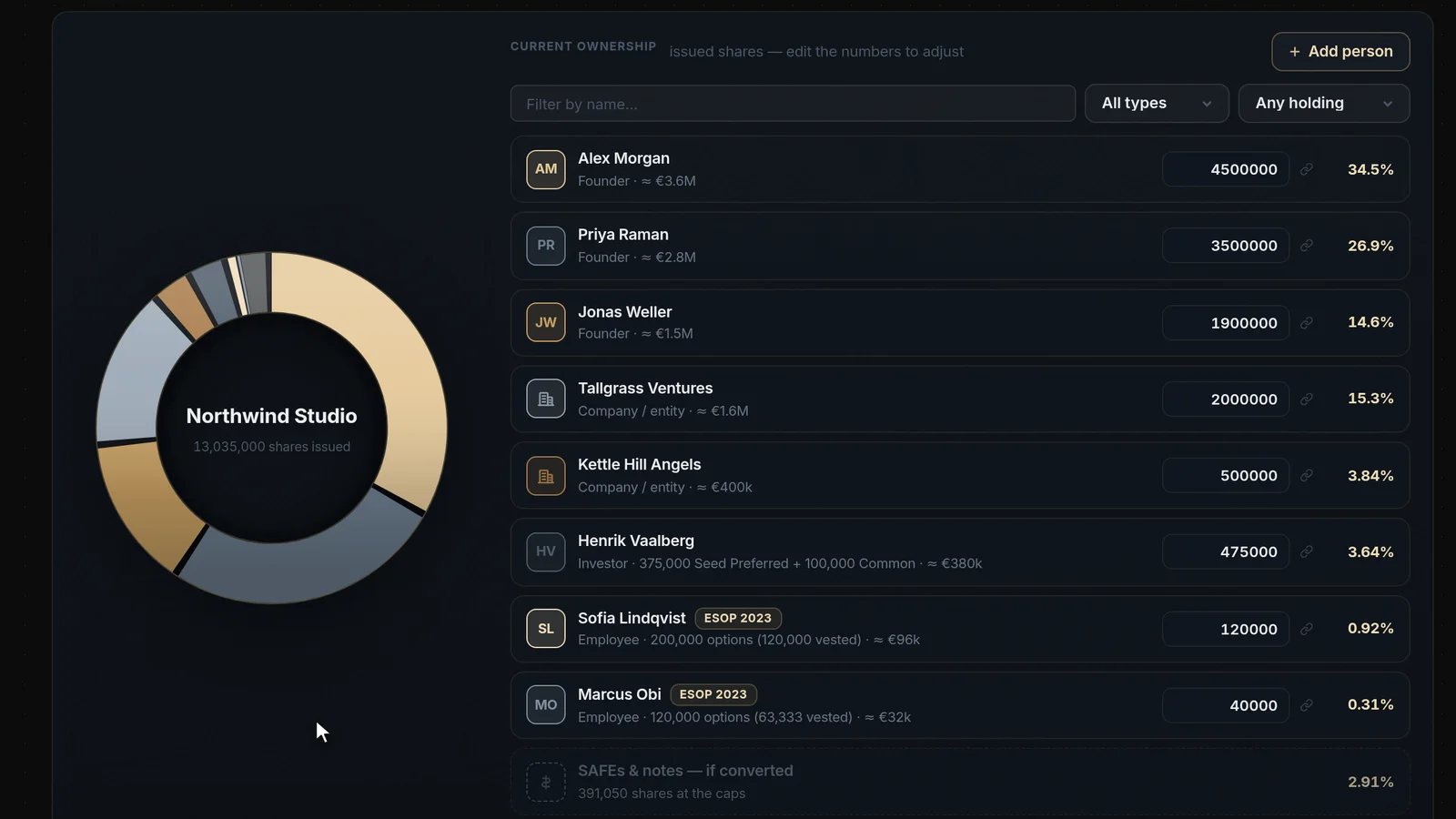
Ownership
A cap table kept from the first share on, with the companies, holdings and people behind it.
In every feature
Every feature is in the free seat.
Start on your own, and add seats when the team joins.
Features, answered
Which features are in the free seat?
All of them. The free seat has every feature and every connector, with 100 AI credits a month.
Paid seats add people and AI credits, not features. The pricing page sets out how seats and credits work, and what a team of any size pays.
Do the features work together?
Yes. They live in one workspace, so the same clients, people and records are there wherever you work with them.
A client you add to the pipeline is the client you book, message and invoice, and the AI assistant can answer questions that cut across them.
Can the AI change my data?
No. The assistant reads your connected sources through read-only tools, so it can’t change or corrupt your database.
Each connected source gets its own read-only tools, scoped to the workspace you are working in, so the assistant only ever sees that workspace’s data.
Which tools can I connect?
Google Analytics, Google Ads, Apollo, Attio and your own REST APIs.
Sources are added from Data sources in the app. Connecting one takes a few minutes, and every connection is read-only.
Who decides who sees what?
The workspace owner and admins. They set each member’s role and which pages each person can open.
Every login, role change and access change is recorded in the activity log, and a workspace can require two-step login for everyone.