Every machine, room and person on one timeline.
Allocate the time of your people, machines and work areas in one place. See the day before it starts, book in a click, and keep the conversation about each job next to it.
What it replaces:
Whiteboards and spreadsheets
People, rooms, desks, kit and machines on one live timeline, so a clash shows before it happens.
Double bookings
Click a free stretch of a row and the booking starts there, with the resource and the time already filled in.
Calls to check who is free
Each day shows what is coming, what is under way and what is still waiting for a yes.
Click a free slot, and it’s booked.
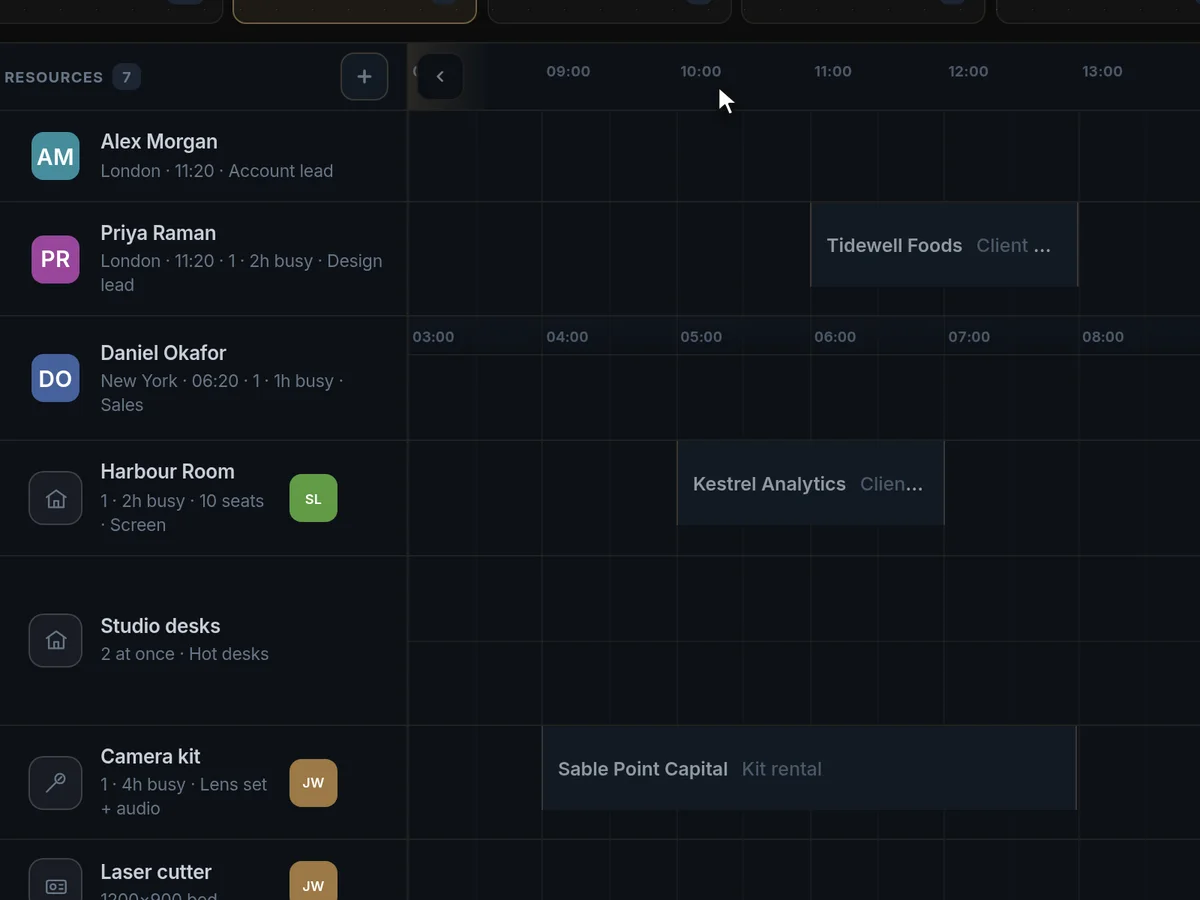
Machines, work areas, kit and people sit side by side. Click any free stretch of a row and the booking starts there. Name the client, pick the type, and the length follows from it.
See the whole day before it starts.
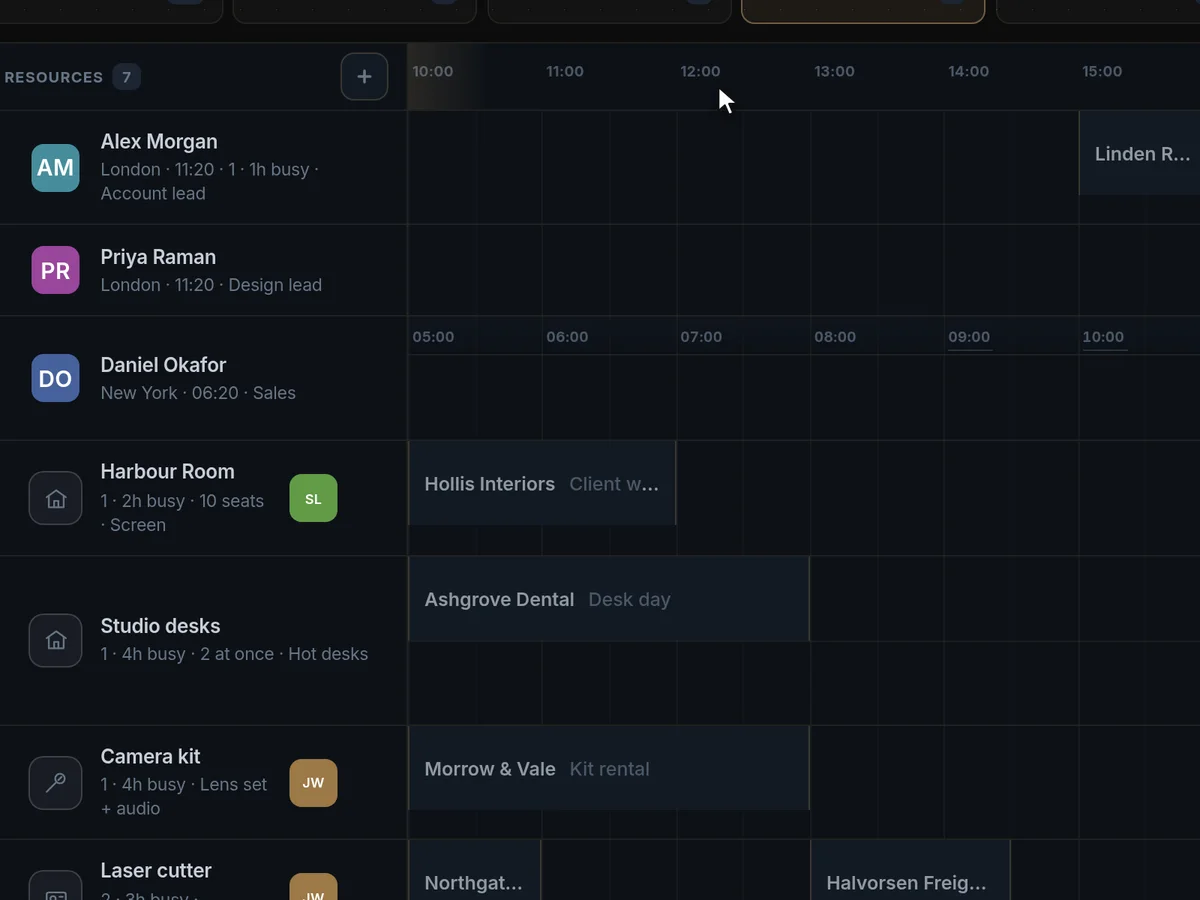
How many bookings, what starts in the next hour, what is under way and what is still waiting for a yes. Step through the week and every person’s load updates with it.
Colleagues abroad, on their own hours.
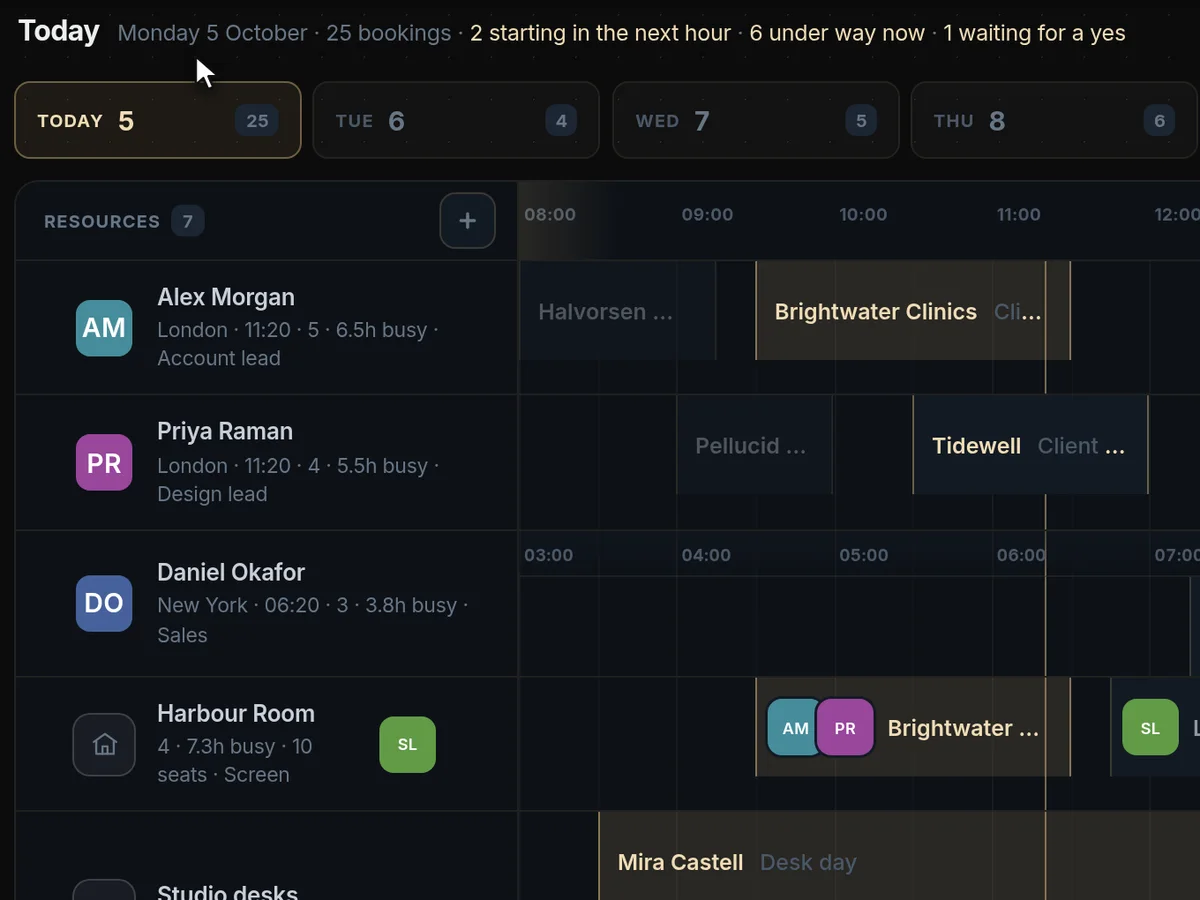
Colleagues in other countries keep their own working hours on their row, beside yours. Book outside someone’s day and Engine117 says so, then finds the next slot inside it.
The conversation stays with the work.
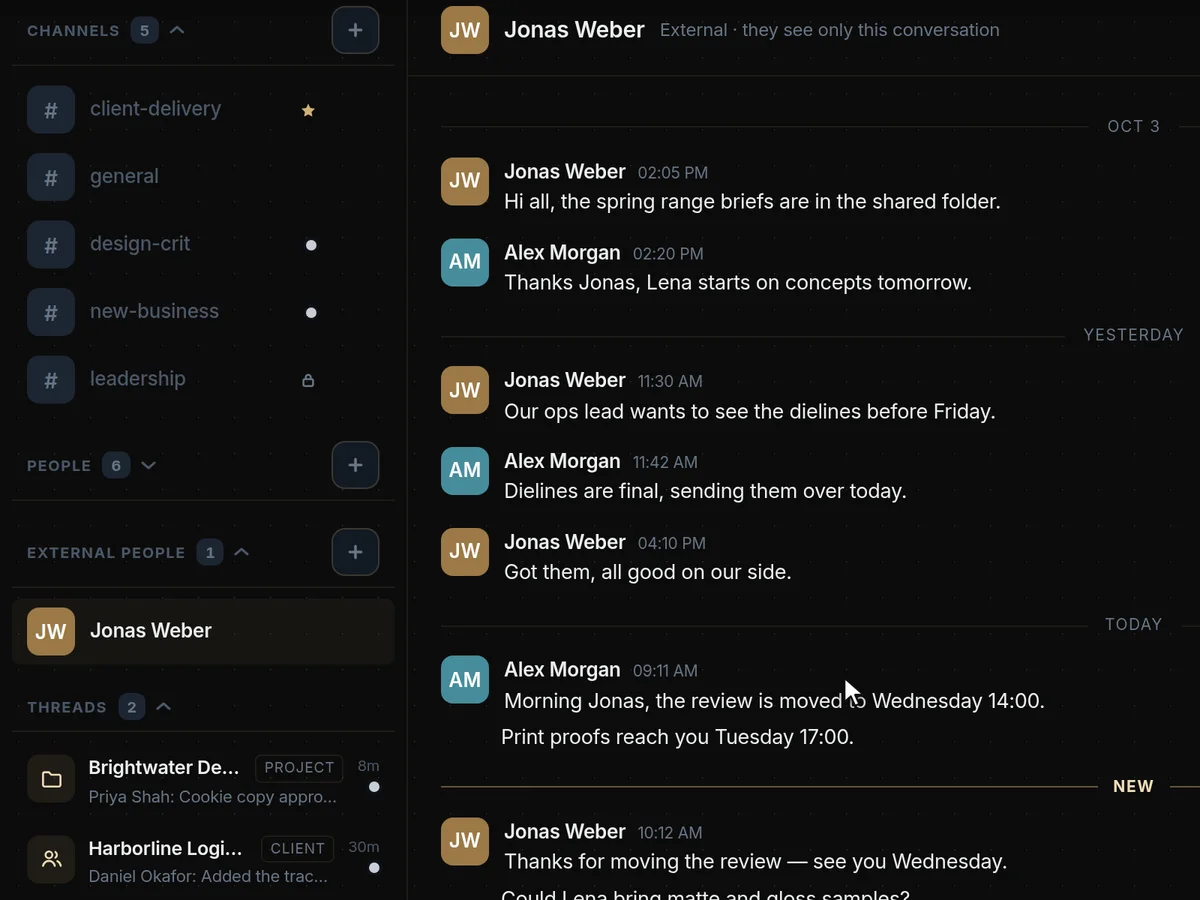
Each client and project gets its own room, linked straight back to it. Questions, changes and hand-overs stay with the job, not in someone’s phone.
Production and service scheduling, answered
What does Engine117 do for production and service teams?
It puts every machine, room, workstation, tool and person on one timeline. Book in a click, see the day before it starts, and keep the conversation about each job next to it.
It replaces whiteboards and scheduling spreadsheets, double bookings and the calls to check who is free.
It suits workshops, studios, clinics, labs, rental businesses and field service teams: anywhere time on people and equipment is the thing being sold.
Can we schedule machines and equipment, not just people?
Yes. Machines, work areas, kit and people sit side by side as rows on the same timeline, and each is booked the same way.
Click a free stretch of a row and the booking starts there, with the resource and the time already filled in. Name the client, pick the type, and the length follows from it.
Each machine or work area gets its own row, so its schedule is as visible as anyone’s.
Can customers book their own appointments?
Yes. Share a booking link and customers choose a free slot without an account. Their time zone is detected for them.
Their bookings land on the same timeline as your team’s, so there are no clashes.
How do we see what is coming up?
Each day shows how many bookings there are, what starts in the next hour, what is under way and what is still waiting for a yes. Step through the week and everyone’s load updates.
It is the morning briefing without the meeting.
Supervisors can see the pressure points in the week ahead and move work before it becomes a problem.
Does it work across countries and time zones?
Yes. Colleagues abroad keep their own working hours on their own row. Book outside someone’s day and Engine117 says so, and finds the next slot inside it.
Google Calendar syncs both ways, and Outlook or Apple calendars can share busy times.
Where do questions about a job go?
Into the job’s own room. Each client and project has one, linked straight back to it, so questions, changes and hand-overs stay with the work.
Nothing important lives only in someone’s phone.
The room also links to the client’s record, so the person on the floor and the person talking to the client are looking at the same information.
Is there a mobile app?
Engine117 runs in the browser and adapts to phones and tablets. There is no separate app to install.
Everything you can do on a desktop is in the same web app, at app.engine117.com.
Is it a replacement for a whiteboard or scheduling spreadsheet?
Yes. The timeline is live and shared, so everyone sees the same plan, changes are visible immediately and nobody works from an old copy.
Unlike a spreadsheet, it knows about time zones, working hours and existing bookings, and it records who changed what.
Can we see utilisation of people and machines?
Yes. Stepping through the week shows each row’s load, so you can see which machines are idle and who is overbooked.
Supervisors use the same view to move work before a bottleneck forms.
Can our team use it on the floor?
Yes. Engine117 runs in the browser on phones and tablets, so people can check their day and the job’s room without a desktop.
Roles and per-page access mean floor staff see the schedule and rooms without seeing the financials.